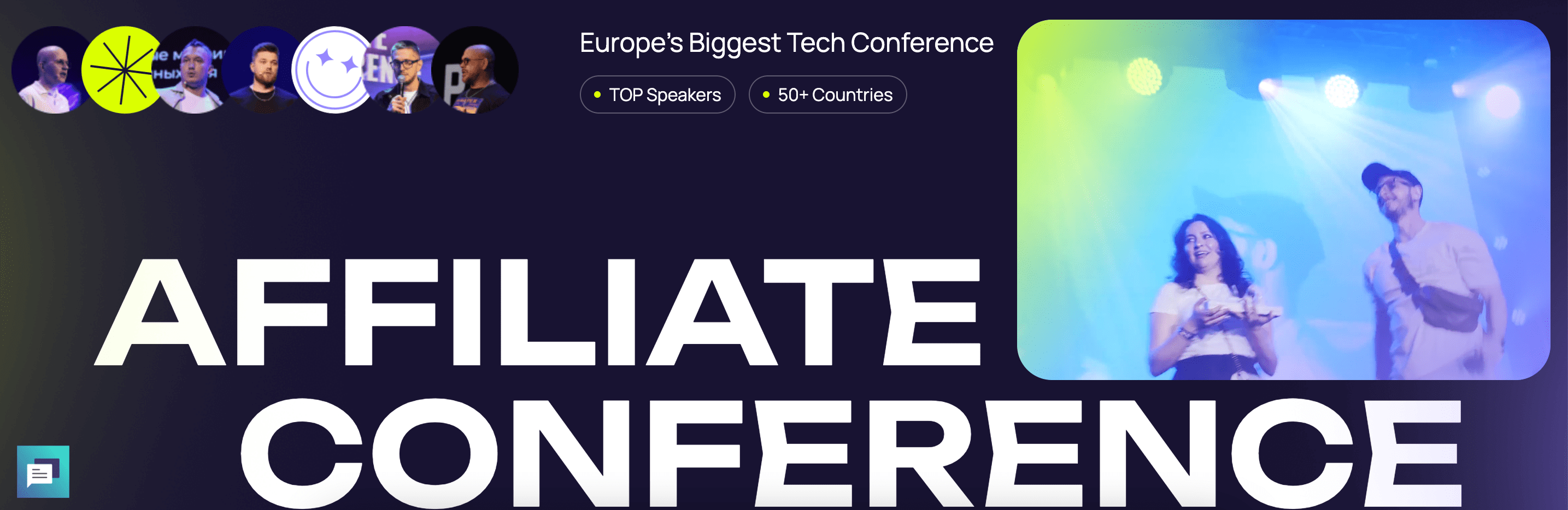
MAC 2025 Affiliate Conference - 20-21 May, Yerevan, Armenia
Event created by Daniel
I'm happy to announce that Monetize.info is an official media partner of MAC Yerevan 2025. Use the discount coupon code MONETIZEINFO to secure a 10% discount until May 10.
Europe's largest affiliate conference brings together affiliates, web admins, and companies with a positive outlook on the affiliate market.
Attendees can enjoy sports tournaments, private parties, networking meetups, and an extensive exhibition featuring over 100 companies. The event promises an exciting atmosphere with a special all-night party and a star performance.
What to Expect:
- 4,000+ professionals in one place: media buyers, program managers, casino and betting platform founders
- 150+ top companies at the expo: Pin-Up, 1xBet, Royal Partners & more
- 20+ expert speakers: including Andrey Dosha, Inna Gagarin, Ashish Gaba
- The legendary Afterparty for 2,500+ guests with an unlimited bar and surprise headliner
- VIP networking, private side events, and exclusive activities throughout

Use the coupon code MONETIZEINFO and get a 10% Instant Discount on your ticket.